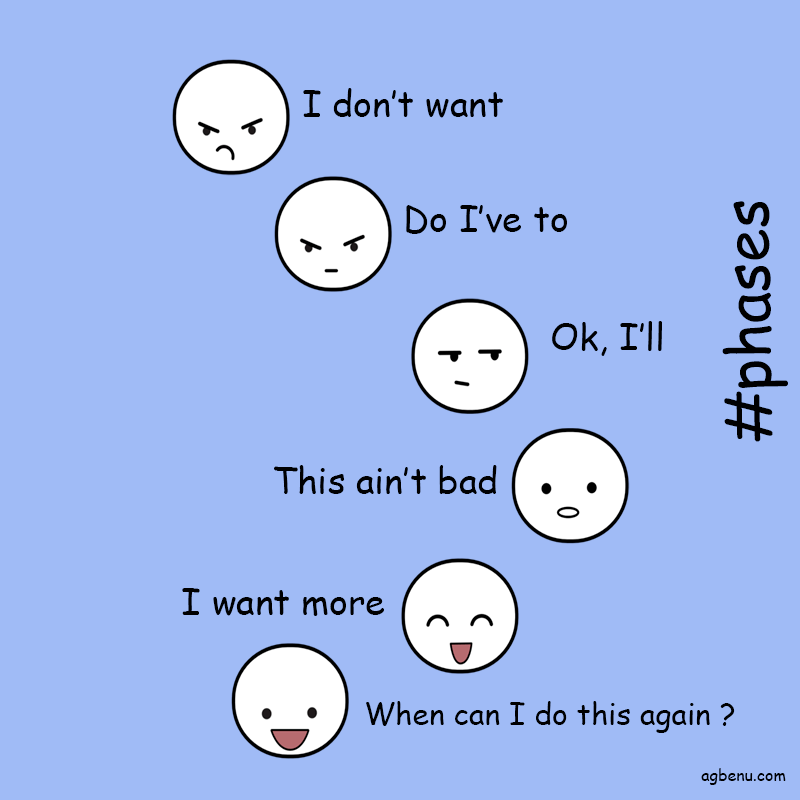
I heard a quote that says it is tough to move an object that stands still as compared to one it is already moving. It is the same as saying it would be hard to resume a project if you have not already started it as compared to one that has already begun.
Kick starting the process of learning a new framework can be daunting. Most times, you would want to procrastinate the event, in order to keep from doing it entirely.
Eventually, you realize you have to start. You then start to drag yourself through the ordeal tutorials until the point where you say to yourself “this ain’t so bad“. Today i would be honored to help you along your journey in the Zend framework ( or zf ) .
We have already said why you would want to Zend framework in your organization in a prior post. In future tutorials we would cover several other aspects of the framework. For starters we would look at how to have the template project. I assure you it wont take more than 5 minutes.
First we have to install the Zend framework. Let us use composer to achieve this goal. In your command prompt type
composer require zendframework/zendframework
Next, create your new Zend Framework project. Type the following ( remember path/to/install refers to where you would like to place your app)
composer create-project -sdev zendframework/skeleton-application path/to/install
This command would ask you a host of questions about the modules you would want to install.
Adding the -n option installs only the barest minumum you need. If you use the -n option then you have to install all the other modules yourself. Using the -n option you be like so
composer create-project -sdev -n zendframework/skeleton-application path/to/install
For example if i wanted to install it on C:\Users\eli\phpFiles\zf , then the command would be something like
composer create-project -sdev zendframework/skeleton-application C:\Users\eli\phpFiles\zf
After the downloading the Zend framework skeleton project files, you would have a few files, and folders to navigate through.
You can test the new project out immediately using PHP’s built-in web server.
composer serve
This will start the PHP cli-server on port 8080, and bind it to all network interfaces. Keep note that the built-in CLI server is for development purposes only. The skeleton app we downloaded can be found at https://framework.zend.com/downloads/skeleton-app
This was only the first tutorial on the Zend framework. in subsequent weeks there will be more for your ever inquisitive minds to read.
Cheers.
 Eli Agbenu
Leave a comment